
AUSTRALIAN SMALL BUSINESS Guide
Small Business Website Guide for Australia: Build a Website That Actually Grows Your Business
A practical guide for Australian small businesses covering costs, design, SEO, local search, AI search, hosting, security and more.
Website DesignAustralian SEOLead Generation
Practical Advice
Australian Focused
Growth Driven
Future Ready
- 01 Introduction
- 02 Why Your Business Needs a Website
- 03 Website Costs in Australia
- 04 WordPress vs Shopify
- 05 Essential Website Pages
- 06 Design That Builds Trust
- 07 Australian SEO Best Practices
- 08 Google Business Profile
- 09 Local SEO for More Customers
- 10 Website Speed Matters
- 11 Mobile Optimisation
- 12 Website Accessibility
- 13 AI Search, GEO & AEO
- 14 Lead Generation & Conversion
- 15 Analytics & Measuring Results
- 16 Content Strategy & Blogging
- 17 Website Security & Ownership
- 18 Privacy, Legal & Website Maintenance
- 19 The Ultimate Website Checklist
- 20 Common Mistakes, Final Thoughts & FAQs
Introduction

Why Your Business Needs a Website
Build Credibility
Be Discoverable
Generate Leads
- Own your core digital presence
- Explain services clearly
- Show reviews and past work
- Support SEO and local visibility
- Generate enquiries 24/7
- Measure what visitors do
If you’re planning a new site or redesign, explore our web design services in Sydney for professionally structured, mobile-friendly and SEO-ready business websites.
WEBTEAM INSIGHT: Your website should support sales and marketing even when your business is closed.

How Much Does a Website Cost in Australia?
DIY / BASIC WEBSITE
- Template or DIY builder
- Limited customisation
- Good for a simple online presence
SMALL BUSINESS WEBSITE
- Customised design
- SEO-ready structure
- Mobile optimised
- Lead-generation focused
ADVANCED / CUSTOM WEBSITE
- Custom functionality
- Advanced integrations
- Scalable architecture
- Tailored growth strategy
TIP: Choose the solution that can grow with your business, not just the cheapest option today. For a more detailed breakdown of pricing by website size, business type, platform and location, see our Website Cost Australia guide, including ongoing costs, hidden expenses and what different budgets may include.
Plan for Ongoing Website Costs
One-Off Costs
Annual Costs
Growth Costs
- Domain renewal
- Website hosting
- Business email hosting
- Premium theme or plugin licences
- Backups and security
- Maintenance and technical support
- SEO/content work where required
WordPress vs Shopify
WordPress
- Highly flexible and customisable
- Strong SEO control
- Large plugin ecosystem
- Lower long-term platform dependence
Shopify
- Easy to launch and manage
- Excellent e-commerce workflow
- Hosted platform
- Higher ongoing platform/app costs
Businesses planning to sell online can explore our e-commerce web design services in Sydney for WooCommerce and Shopify development, store structure, conversions and search visibility.
Where WooCommerce Fits
- Service-led business with content focus → WordPress
- Online-store-first business wanting a hosted platform → Shopify
- Content-heavy store wanting WordPress flexibility → consider WooCommerce
- Compare transaction fees, apps/plugins, maintenance and ownership before choosing
E-commerce Essentials
- Payment gateways and transaction fees
- Shipping rules and delivery options
- Inventory management
- Tax configuration
- Refund and returns information
- Checkout usability
- Order emails
- Product structured data where appropriate
- Security and fraud controls
Essential Pages Every Business Website Needs
Home
About Us
Services / Products
Testimonials
Blog / Resources
Contact
Pages That Support SEO and Sales
- Dedicated service pages
- Location or suburb pages where genuinely relevant
- Portfolio / project pages
- Testimonials and reviews
- Case studies
- FAQ pages
- Campaign landing pages
Design That Builds Trust
Professional web design is not only about visual style. It should organise information clearly, reflect your brand and reduce friction for customers.
Clear Visual Hierarchy
Consistent Branding
Trust Signals
- Use generous spacing and readable typography
- Keep navigation simple
- Use real business imagery where possible
- Avoid cluttered layouts
- Use consistent button styles
- Make contact information easy to find
DESIGN TIP: A beautiful website that confuses visitors will underperform a simple website with clear messaging.
Choosing the right web design agency involves more than comparing visual designs. Learn how to choose a web design agency in Sydney and what to check when comparing portfolios, quotes, website ownership and ongoing support.

Strengthen Your Trust Signals
Real Reviews
Real Work
Real Business
- Genuine Google reviews and testimonials
- Real team, office or project photography
- Before-and-after examples
- Relevant licences, certifications and memberships
- Case studies with outcomes
- Clear business/contact information
- Guarantees or service promises that the business can genuinely support
Australian SEO Best Practices
SEO is strongest when technical foundations, useful content and local relevance work together.
- Keyword research with an Australian focus
- Optimised titles, headings and meta descriptions
- Local content that matches search intent
- Internal linking and clean site structure
- Image optimisation and descriptive alt text
- Structured data where appropriate
For businesses competing in the Sydney market, our SEO services in Sydney combine technical SEO, content, local relevance and ongoing organic search optimisation.
SEO PRINCIPLE: Build pages for real customer questions first, then optimise them so search engines can understand and surface the content.
Technical & On-Page SEO Foundations
Internal Linking
Structured Data
Migration SEO
- Keyword research and search intent
- Unique page titles and meta descriptions
- One clear H1 with logical H2/H3 structure
- Internal links between related pages
- Descriptive image filenames and alt text
- XML sitemap and sensible robots.txt rules
- Canonical URLs where appropriate
- 301 redirects when URLs change
- Relevant structured data / schema
- Google Search Console monitoring
Planning a new website or redesign? Follow our SEO for a New Website in Australia guide for the complete before-launch, launch-day and first-90-days SEO process.
Google Business Profile Optimisation
- Complete every relevant profile field
- Choose accurate primary and secondary categories
- Add quality photos regularly
- Keep name, address and phone details consistent
- Publish updates and offers
- Ask genuine customers for reviews and reply to them
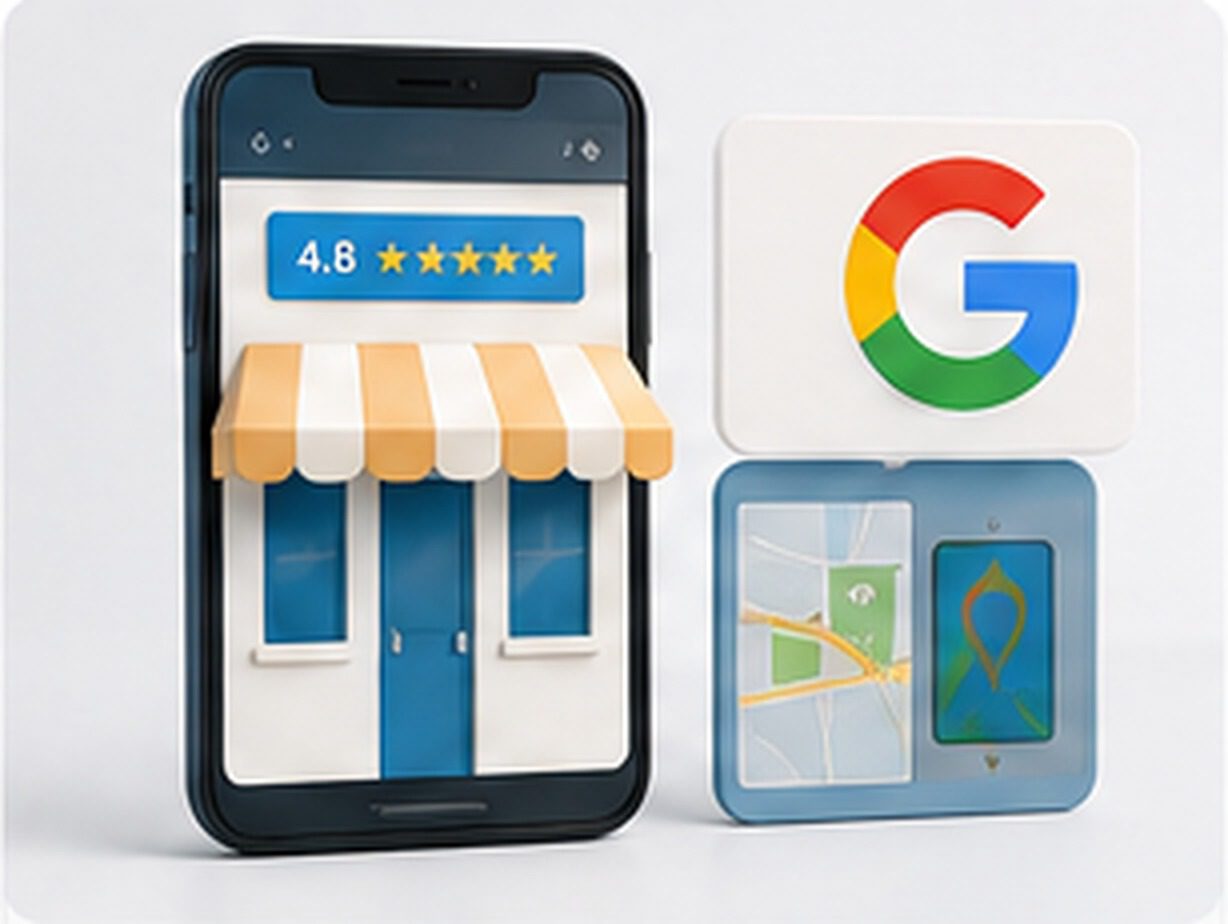
Make the Profile Work With Your Website
- Use accurate primary and secondary categories
- Complete services and business description
- Keep hours and contact information current
- Upload genuine business photos
- Request genuine customer reviews
- Reply professionally to reviews
- Keep business name, address and phone details consistent
- Link visitors to the most relevant website destination
Local SEO for More Customers
- Target location-based keywords naturally
- Create useful suburb or service-area pages
- Build consistent Australian directory citations
- Earn links and mentions from local websites
- Use locally relevant testimonials and case studies
- Avoid thin doorway pages created only for rankings
For a more detailed implementation approach, see our Local SEO guide for Sydney small businesses, covering Google Business Profile, local relevance, website optimisation and visibility.

Build Genuine Local Relevance
- Create useful location pages only for real service areas
- Include locally relevant projects, examples or testimonials
- Maintain consistent citations
- Earn relevant local and industry backlinks
- Link location pages to appropriate services
- Avoid dozens of near-duplicate suburb pages
Website Speed Matters
- Optimise and resize images
- Use modern image formats where practical
- Enable caching and compression
- Minify unnecessary CSS and JavaScript
- Choose reliable hosting
- Use a CDN when it adds measurable value

What Usually Slows a Website Down
- Serve appropriately sized WebP or AVIF images where supported
- Use caching
- Use a CDN where beneficial
- Lazy-load suitable images/media
- Remove unnecessary plugins and scripts
- Optimise fonts and third-party embeds
- Choose hosting appropriate for the website
- Monitor Core Web Vitals and real-user performance
Mobile Optimisation
- Responsive layout at every common screen size
- Readable text without zooming
- Buttons large enough to tap comfortably
- Simple menus and navigation
- Fast mobile load times
- Forms tested on real phones
- No intrusive elements blocking key content
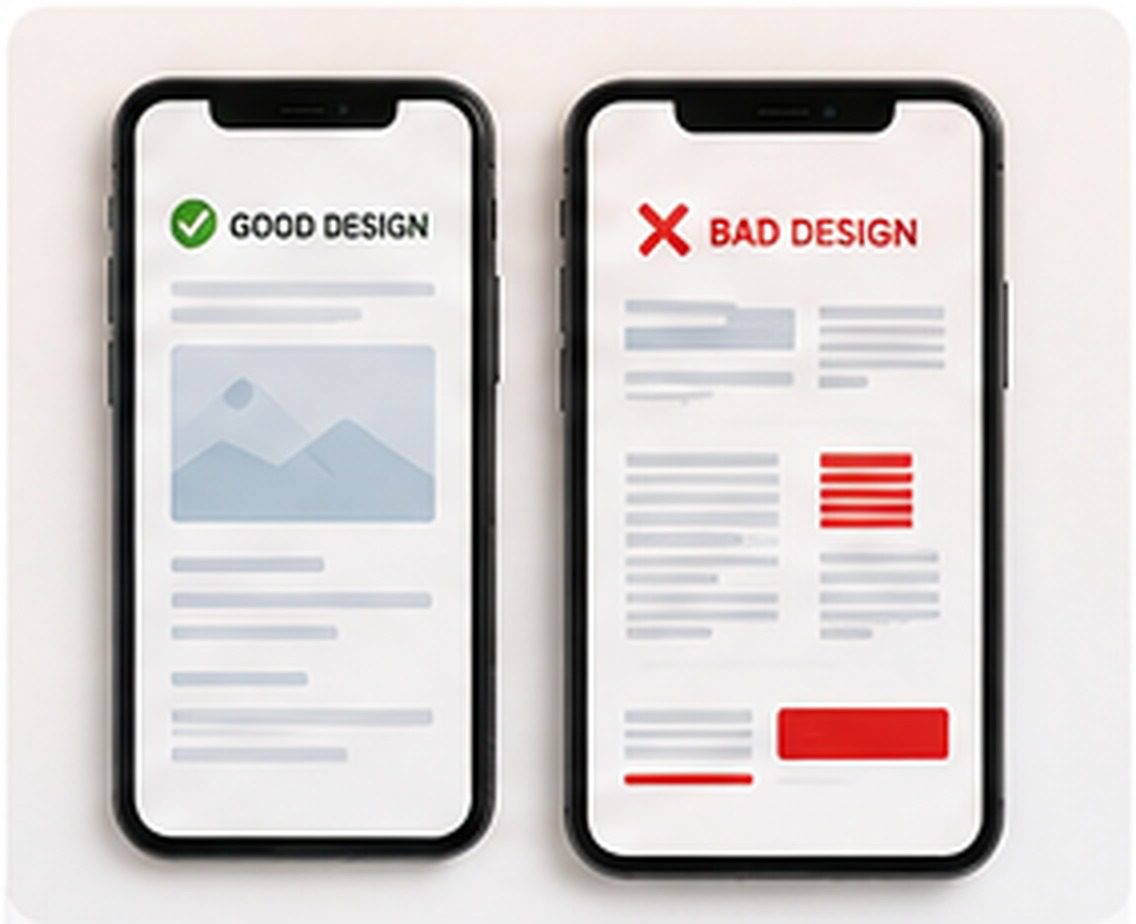
Design for Real Mobile Actions
- Use readable text sizes
- Provide comfortable tap targets
- Use click-to-call where appropriate
- Keep forms short and mobile friendly
- Use simple mobile navigation
- Avoid intrusive pop-ups
- Keep important CTAs visible
- Test key journeys on real phones as well as browser emulators
Website Accessibility
Readable Design
Logical Structure
Accessible Content
- Check colour contrast
- Use descriptive alt text for meaningful images
- Label form fields clearly
- Make links descriptive
- Support keyboard navigation
- Avoid tiny text and difficult tap targets

Accessibility Checklist
- Sufficient colour contrast
- Keyboard-accessible navigation
- Visible focus states
- Clear form labels and useful error messages
- Logical heading hierarchy
- Descriptive link text
- Alt text for meaningful images
- Captions/transcripts where appropriate
- Avoid relying on colour alone to communicate meaning
AI Search, GEO & AEO
- Answer important customer questions directly
- Use clear H1–H3 heading structure
- Add useful FAQ sections
- Write naturally and conversationally
- Use appropriate schema markup
- Demonstrate real experience and business credibility
Businesses interested in improving visibility beyond traditional Google results can also read our guide on how to get found on ChatGPT, including practical steps for AI search visibility.

Make Content Easier for Search & AI Systems to Understand
- Answer important customer questions directly
- Use descriptive headings and concise summaries
- Clearly identify the business, services and service areas
- Demonstrate first-hand experience and expertise
- Use original examples, data or case studies where available
- Cite reliable sources when making factual claims
- Keep author/business information transparent
- Use appropriate structured data
- Keep important information current
- Avoid mass-produced thin AI content
WEBTEAM RECOMMENDATION: Write primarily for customers. Clear, authoritative, well-structured content is also easier for search and AI systems to interpret.
For a practical implementation approach, explore our guide to getting your business found on ChatGPT and AI search. To turn this advice into a practical content plan, explore our guide to AI search prompt mapping and content gap analysis. Learn how to research customer prompts, map them to relevant website pages and identify gaps in your content for AI search. For pricing guidance, read our AI search optimisation cost guide for Australia to understand what influences investment in GEO services.
Lead Generation & Conversion
Clear CTA
Trust Proof
Simple Enquiry
- Use a strong CTA near the top of key pages
- Add click-to-call on mobile
- Use dedicated quote or booking forms
- Show real reviews and case studies
- Explain what happens after enquiry
- Remove unnecessary form fields

Connect Enquiries to a Follow-Up Process
Website
Lead Capture
Follow-Up
- Use dedicated landing pages for important campaigns
- Offer quote, booking or consultation forms
- Send an immediate acknowledgement after form submission
- Route leads into a CRM where useful
- Use email/SMS follow-up appropriately
- Track which pages and campaigns generate leads
- Test CTA wording and form friction
- Use lead magnets only when they genuinely help the audience
Analytics & Measuring Results
- Set up Google Analytics 4
- Connect Google Search Console
- Track enquiry and quote forms
- Track booking or purchase conversions
- Monitor click-to-call actions where useful
- Review organic traffic, leads and conversion rate

What Should You Measure?
Acquisition
Conversion
Business Value
- Organic search visibility and clicks
- Qualified website traffic
- Form enquiries
- Phone-call actions where trackable
- Bookings or purchases
- Conversion rate
- Lead source / attribution
- Cost per lead when advertising is involved
- Landing-page performance
- Lead quality and sales outcomes
Content Strategy & Blogging
Customer Questions
Topic Clusters
Keep It Current
- Prioritise useful topics over publishing frequency
- Create detailed supporting articles for key services
- Link related articles together
- Use original examples and experience
- Refresh outdated articles
- Avoid mass-producing thin AI content

Build a Sustainable Content System
- Group related content into topic clusters
- Create pillar guides around important themes
- Link supporting articles to service pages
- Balance informational and commercial topics
- Maintain an editorial calendar
- Update important evergreen articles
- Consolidate weak or overlapping content
- Add original experience, examples and expert input
- Review AI-assisted drafts carefully before publishing
Website Security & Ownership
- Use HTTPS with a valid SSL certificate
- Keep WordPress, themes and plugins updated
- Use strong passwords and appropriate account permissions
- Maintain dependable backups
- Add firewall and malware protection where appropriate
- Monitor uptime and suspicious activity

Security, Access & Business Continuity
- Use strong unique passwords and two-factor authentication
- Limit administrator accounts
- Use appropriate malware/firewall protection
- Keep off-site backups
- Test that backups can be restored
- Use staging for risky updates where possible
- Document domain registrar access
- Document hosting and WordPress admin access
- Keep Google Business Profile, Analytics and Search Console ownership clear
- Record important premium licences and renewal responsibilities
Domain, Hosting & Business Email
Domain
Hosting
Business Email
- Keep the domain registered in an account the business can access
- Know where DNS is managed
- Choose hosting based on support, reliability, backups and performance
- Use professional domain-based email for customer communication
- Document renewal dates and billing responsibility
Privacy, Legal & Website Maintenance
Privacy & Cookies
Business Terms
Ongoing Maintenance
- Review privacy policy requirements for your business
- Be transparent about forms, analytics and marketing tools
- Keep WordPress, themes and plugins updated
- Maintain dependable backups
- Test forms and broken links regularly
- Refresh old services, prices and contact details

Ongoing Governance & Maintenance
- Review whether your business requires a privacy policy and what it should cover
- Be transparent about relevant cookies, analytics and marketing tools
- Maintain appropriate terms, refund/returns and consumer information
- Keep WordPress core, themes and plugins updated
- Renew required licences
- Check forms and email delivery
- Scan for broken links and outdated information
- Review backups and security alerts
- Seek professional legal advice for business-specific obligations
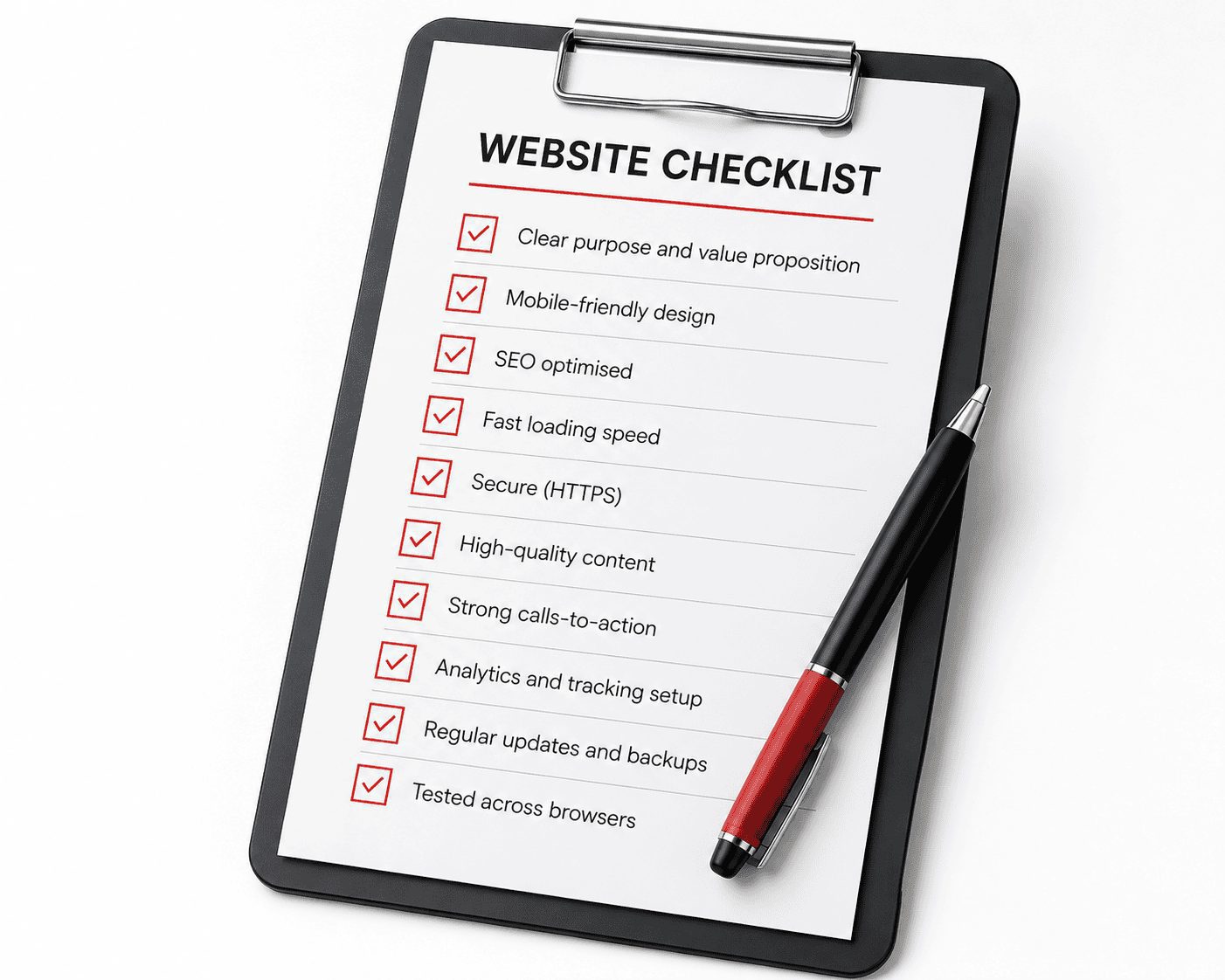
The Ultimate Website Checklist
- Clear purpose and value proposition
- Mobile-friendly responsive design
- SEO-ready page structure
- Fast loading performance
- HTTPS and security protection
- High-quality helpful content
- Strong calls-to-action
- Analytics and conversion tracking
- Regular updates and backups
- Tested across modern browsers and devices
- Accurate contact details
- Google Business Profile connected
- Accessible forms and buttons
- Local SEO signals where relevant
- A clear maintenance plan
Final Pre-Launch QA
- Favicon installed
- Social sharing / Open Graph image checked
- XML sitemap available
- robots.txt reviewed
- Important schema tested
- Old URLs redirected where necessary
- 404 page works correctly
- Contact forms tested end-to-end
- Transactional/form emails arrive correctly
- Analytics loads correctly
- Conversion events tested
- Search Console configured
- HTTPS and canonical domain checked
Common Mistakes, Final Thoughts & FAQs

Final Thoughts
Frequently Asked Questions
How long does it take to build a small-business website?
Do I need a website if I have a Facebook page?
How much does SEO cost for a small business?
How often should I update my website?

Additional Mistakes to Avoid
- Letting a supplier be the sole owner of the domain
- Choosing hosting only because it is the cheapest
- Putting every service on one generic page
- Copying competitor content
- Creating large numbers of thin suburb pages
- Installing too many overlapping plugins
- Publishing unreviewed AI-generated content
- Redesigning without redirects
- Ignoring backups until there is a problem
- Measuring traffic without measuring conversions
Reference This Guide
Sydney WEB team
About Sydney WEB Team